AI automation monitoring should show whether useful work finished, when someone last checked it, and who acts if it stops. Start with one business result: an imported order, an approved document, or a completed customer update. Then trace that result through the schedule, worker, external service and final record.
A green connection badge cannot answer all those questions. For example, a service can accept a request while the worker loses its response. Your dashboard may also show yesterday's success after today's job never started. Before expanding an automation, test how your team discovers and recovers from those gaps.
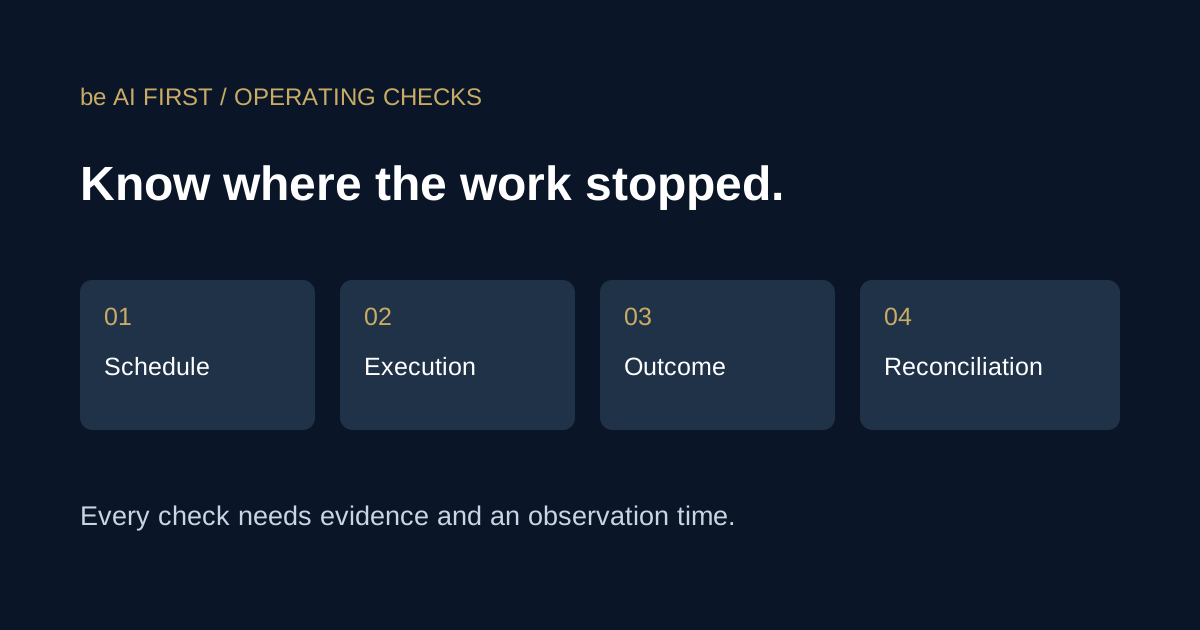
AI automation monitoring needs four separate checks
First, define what each component can actually prove. Keep these observations separate in the operating record. Otherwise, a successful connection can hide unfinished business work.
| Check | Evidence | What it does not prove |
|---|---|---|
| Schedule | The expected run started within its agreed window | The worker completed its task |
| Execution | The worker recorded its completed steps and exceptions | An external system accepted the result |
| Outcome | The destination confirms the intended change | Your local records reflect that change |
| Reconciliation | The source, destination and operating record agree | The next scheduled run will happen |
For example, an invoice workflow might extract fields correctly but fail to create the accounting record. Conversely, the accounting service might create the record before the worker disconnects. Those situations need different responses, even if both appear as an error in the worker log.
Google's monitoring guidance distinguishes internal measurements from checks of externally visible behavior. For a business workflow, use both. Inspect the worker's state, then verify the result that the recipient or operating team needs.
Make the clock and observation age explicit
Next, write the schedule in the business's named time zone, including weekends and holidays. Record the corresponding scheduler configuration. Test a daylight-saving transition if local business hours matter.
Also define how late a run may be before someone should investigate. A daily export and a time-sensitive customer update need different tolerances. Agree that tolerance with the person who depends on the result.
Every status should carry an observation time. If the next expected check does not arrive, show current state unknown. Keep the previous result in a clearly marked historical section. Do not repeat an old authentication error as though someone just observed it again.
Then monitor the worker from a separate execution path. If the worker itself sends every warning, its own shutdown can silence those warnings. A separate monitor can detect missing reports, although its hosting and notification service still need operating checks.
Recover the record before retrying the action
Before retrying an interrupted request, inspect the destination. Did it accept the original action? Save the returned record identifier and compare it with your local receipt. If the result exists, finish reconciliation rather than creating it again.
Where the provider supports idempotency, use it according to that provider's rules. For example, Stripe documents idempotency keys for safely retrying supported requests. That mechanism does not make an unrelated CRM or email API safe to retry. Check each integration's actual behavior.
Also prevent overlapping runs from processing the same item. Vercel's cron guidance discusses concurrency and idempotency because scheduled execution alone does not establish safe processing. Your implementation should retain a durable claim and a destination receipt for each consequential action.
If the outcome remains ambiguous, hold the item and alert its owner. A missed action needs investigation; a duplicate payment or customer message can create additional work. The data ingestion checklist covers related source and destination checks.
Test the alert and the recovery message
Use a test environment or a harmless test record for these drills. First, stop a scheduled worker and confirm that a separate monitor notices the missing run. Next, simulate an expired connection. Finally, interrupt execution after the destination accepts an action but before the local receipt updates.
For each drill, record who received the alert and what they could do with it. Include the affected workflow, observation time, known impact and next action. Deduplicate unchanged warnings so a repeated message does not obscure a new failure.
After recovery, match the evidence to the failed component. A fresh health report can establish that reporting resumed. However, recovery from a delivery failure requires an actual successful delivery. Neither result proves that every other component is healthy.
Assign an operating owner before expanding
Finally, name the person who owns the schedule, credentials, alerts and unresolved items. Keep the recovery procedure with the workflow. Our AI handover checklist helps turn those responsibilities into concrete acceptance checks.
Review the record after a provider change, a new destination or a material increase in volume. Also keep the last verified result separate from the current operating state. That distinction makes AI automation monitoring useful when something actually fails.
If your prototype works but your team cannot tell when it stops, bring one workflow to a conversation with beAIfirst. We can review the failure paths and implement the missing integration and monitoring work. Our AI data integration service describes that scope. Bring a high-level workflow and a redacted failure example; leave out passwords and confidential customer records.